
What a WordPress Build Actually Costs in Time: A Realistic Timeline for Business Buyers
Published July 8, 2026
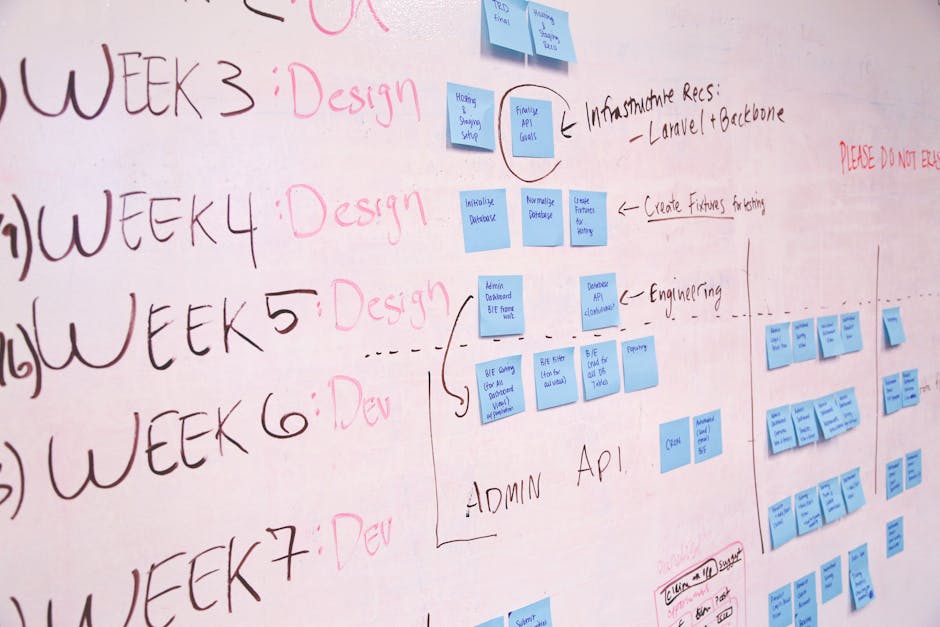
When a business needs a new website, the first question is often, “How long will it take?” It’s a fair question, but the answer is rarely simple. If you’ve heard “four to six weeks” from an agency, you might be in for a surprise. A professional WordPress build involves far more than installing a theme and adding content. Let’s walk through the realistic stages, what influences the timeline, and where most projects get stuck.
Why the “Standard” Timeline Misleads
Many agencies quote a generic 4–6 week timeline for a WordPress site. That number often assumes a pre-built theme, minimal customisation, and a client who delivers content on day one. In reality, most business websites involve custom design, integrations, and content that takes weeks to finalise. A 2023 survey of digital agencies showed that the average WordPress project for a mid-sized business takes 12–16 weeks from kickoff to launch. The gap comes from underestimating discovery, revisions, and content creation.

The Phases of a Professional WordPress Build
1. Discovery and Strategy (1–3 weeks)
Before any code is written, we need to understand your business goals, target audience, competitive landscape, and technical requirements. This phase includes stakeholder interviews, sitemap creation, and defining the user experience. When we deliver this for clients, we often uncover hidden needs—like a custom booking system or integration with a legacy CRM—that dramatically affect the timeline. If your team hasn’t clarified these upfront, expect delays later.
2. Design and Prototyping (2–4 weeks)
Design is where vision meets reality. A typical process involves wireframes, high-fidelity mockups, and interactive prototypes. Each round of feedback can add days or weeks. Businesses that have multiple decision-makers or vague brand guidelines often see this phase stretch. We recommend limiting review cycles to two rounds to keep momentum. A clear brand style guide from your side can cut design time by 30%.

3. Development and Integration (3–6 weeks)
This is where the site gets built. Development includes theme customisation, plugin configuration, and building any custom functionality. The timeline depends heavily on complexity. A simple brochure site with 5 pages might take 3 weeks. A site with a membership portal, e-commerce, and AI-powered search can take 6–8 weeks. What many buyers underestimate is the time needed for third-party integrations—payment gateways, marketing automation tools, or API connections. Each integration has its own quirks and testing requirements.
4. Content Creation and Migration (2–4 weeks)
Content is the biggest wildcard. If you’re providing copy, images, and videos, your timeline controls this phase. We’ve seen projects stall for months waiting for final text. Many businesses hire a copywriter after the design is done, which adds 2–3 weeks. Our advice: start content creation during the discovery phase. Even rough drafts can be refined during development. For migrations from an old site, expect 1–2 weeks to transfer and reformat existing content without breaking SEO.
5. Testing, QA, and Revisions (1–2 weeks)
Testing is not a quick checkbox. It includes cross-browser checks, mobile responsiveness, load time optimisation, form submissions, broken links, and security scans. For WooCommerce or membership sites, we run full user flow tests. Revisions from testing can add a week if issues are found late. A thorough QA process is what separates a reliable site from one that frustrates users.
6. Launch and Post-Launch (1 week)
Launch day involves DNS changes, SSL certificate setup, server configuration, and final backups. We always schedule a 24–48 hour monitoring period post-launch. Some businesses also need staging environment teardown or analytics setup. A smooth launch requires coordination with your hosting provider and any third-party services.
Common Delays and How to Avoid Them
- Unclear requirements at start. Vague goals lead to rework. Invest in a detailed brief.
- Slow feedback loops. Assign one decision-maker per review round. Avoid committees.
- Content bottlenecks. Start writing early. Consider a professional copywriter if your team is stretched.
- Scope creep. New features mid-project derail timelines. Define “must-have” vs. “nice-to-have” upfront.
- Third-party dependencies. Integrations with external platforms can have unpredictable delays. Test early.
Realistic Expectations for Your Project
For a typical business website with 10–20 pages, custom design, and a few integrations, plan for 10–14 weeks. If you need a simple refresh with a ready-made theme, 4–6 weeks is possible—but only if content is ready. The key is to treat the timeline as a partnership, not a transaction. When both sides communicate clearly, the process runs smoothly.
“The most expensive part of a website build isn’t the development—it’s the time wasted on unclear goals and late changes.”
If your team is evaluating a WordPress project, take the time to map out your internal resources upfront. A realistic timeline saves money, reduces stress, and delivers a site that actually performs. For projects that require custom functionality or complex integrations, professional guidance makes the difference between a site that works and one that just launches.
If your business needs a clear roadmap and a partner who delivers on time, talk to AUMCREATE. We help companies turn ambitious websites into real results—without the surprises.