
Why product photos still take too long: a smarter way to remove backgrounds
Published June 30, 2026
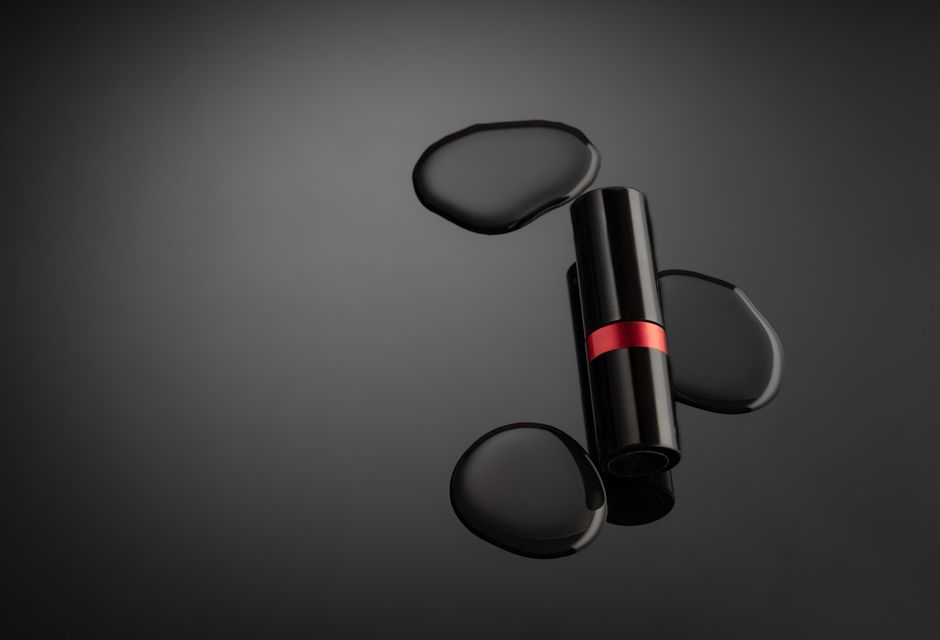
Every day, someone in your company opens Photoshop, GIMP, or a mobile editor to remove a background from a product photo, headshot, or logo. It feels small—just a few clicks—but multiply that by dozens of images per week, and the time adds up fast. Worse, the results are inconsistent: a stray pixel here, a fuzzy edge there. For e-commerce teams, marketing departments, and content creators, clean backgrounds aren’t optional—they’re the baseline.

The hidden cost of manual background removal
If you’ve ever asked a designer to “just remove the background” from twenty product images, you know the pain. The conversation usually goes: “It’s quick, maybe two minutes each.” But two minutes per image means forty minutes of repetitive work—and that’s if the edges are clean. Add complex shapes, hair, or shadows, and each image can take ten minutes or more. For a small business with a catalog of 200 SKUs, that’s over thirty hours of labor per catalog refresh.
There’s also the quality risk. Manual removal relies on human judgment, which varies with fatigue, skill, and the tool used. Inconsistent edges force later retouching or cause rejected listings on marketplaces like Amazon or Etsy. Many teams end up outsourcing the task, trading one bottleneck for another—and paying per image.
This is where an AI-powered alternative makes sense. Instead of training a person to do a repetitive visual task, you let a model handle it in seconds.

What an online AI background remover actually does
The AI Background Remover is a straightforward web tool: upload an image, and the AI returns a transparent PNG with the subject isolated. No software install, no learning curve, no per-seat license. The pricing scales with resolution—smaller images cost less, which is ideal for web thumbnails or social media posts where you don’t need 4K detail.
For a business, the value isn’t just speed—it’s predictability. Every image goes through the same neural network, so the output quality is consistent. Whether you process five images or five hundred, the result looks the same. That consistency matters when you’re building a brand that relies on uniform visual presentation across product pages, ads, and catalogs.
The tool also removes the friction of file management. You upload, download, and move on. No layers, no masks, no export settings. For teams that aren’t design-savvy, this eliminates the need for a dedicated graphics editor for background removal.
When to use it (and when to skip it)
The AI Background Remover shines on clear, well-lit product shots, headshots, and graphics with a single main subject. It handles hair and fur better than most manual methods, but like any AI, it struggles with extremely transparent objects or images where the subject blends into the background. For those edge cases, a skilled designer is still the right call. But for the 80% of everyday images, the AI is faster and more reliable than a human with a lasso tool.
Consider your workflow: if you regularly send images to Amazon, eBay, or a CMS that demands transparent PNGs, this tool turns a multi-step process into a single upload. If you manage social media accounts and need quick, clean thumbnails for every post, the time saved per image adds up to hours per month.
“We used to spend an hour a week cleaning up product photos. Now it’s five minutes. That hour went back into marketing strategy.”

What to evaluate before choosing an AI background remover
Not all AI tools are created equal. When evaluating options for your business, look at:
- Pricing model – Flat-rate per image or credit-based? A pay-as-you-go system (like the AI Background Remover) works well for variable volume. No monthly commitment means you only pay when you use it.
- Output quality – Test with your own images, especially ones with tricky edges. The AI should preserve fine details like stray hairs or glass reflections.
- Privacy and data handling – If you work with sensitive branding or client images, check that the tool doesn’t store your uploads indefinitely. A reputable service will delete images after processing.
- Integration – Can you drop images via a URL or API? For high-volume workflows, an API endpoint saves even more time than the web interface.
- Resolution limits – Some tools cap output at a low resolution. Ensure the highest tier matches your print or large-display needs.
The AI Background Remover checks most of those boxes: it’s price-per-image, handles up to decent resolutions, and doesn’t require an account for a single use. For teams that just need the job done without a subscription overhead, it’s a practical choice.
Making the shift from manual to automated
If you’re still assigning background removal to a junior designer or doing it yourself in between meetings, you’re burning time that could go toward higher-value work. The tool doesn’t replace a designer—it replaces a tedious task that no one enjoys. Free up that bandwidth, and let AI handle the pixels.
Ready to test it on your own images? Give the AI Background Remover a try—upload one photo and see how fast the turnaround is. Your catalog will thank you.