
Why your product photos still have messy backgrounds (and how to fix them in seconds)
Published June 24, 2026

Every business that sells online — whether a fashion boutique, a SaaS company, or a local bakery — faces the same daily grind: preparing product photos that look clean and professional. The fastest way to ruin a good product shot is a cluttered, distracting background. Yet manually removing backgrounds, even with expensive software, remains a tedious and error-prone task that eats into your team's schedule.

The hidden cost of manual background removal
If you have ever asked a junior designer or intern to cut out backgrounds from 50 product images, you already know the pain. The process is repetitive: zoom in, trace around edges, refine, zoom out, repeat. A single image can take 5 to 15 minutes depending on complexity. Multiply that by hundreds of SKUs, and you are looking at hours — even days — of work. And mistakes happen: a stray pixel, a jagged edge, or a missed strand of hair can make the final image look amateurish.
Some businesses turn to advanced photo-editing suites or hire freelancers. Both options have drawbacks: software subscriptions add up, and freelancers introduce turnaround delays and inconsistent quality. What you really need is a tool that handles the boring part instantly, so your team can focus on higher-value tasks like styling, copywriting, or closing sales.
Why AI is finally good enough for commercial use
Recent advances in computer vision mean that AI can now detect foreground subjects with remarkable accuracy — even with complex edges like hair, fur, or transparent objects. The best part? You do not need to train a model or write a single line of code. An online AI Background Remover does the job in seconds: upload an image, and the AI returns a transparent PNG with the background cleanly removed.
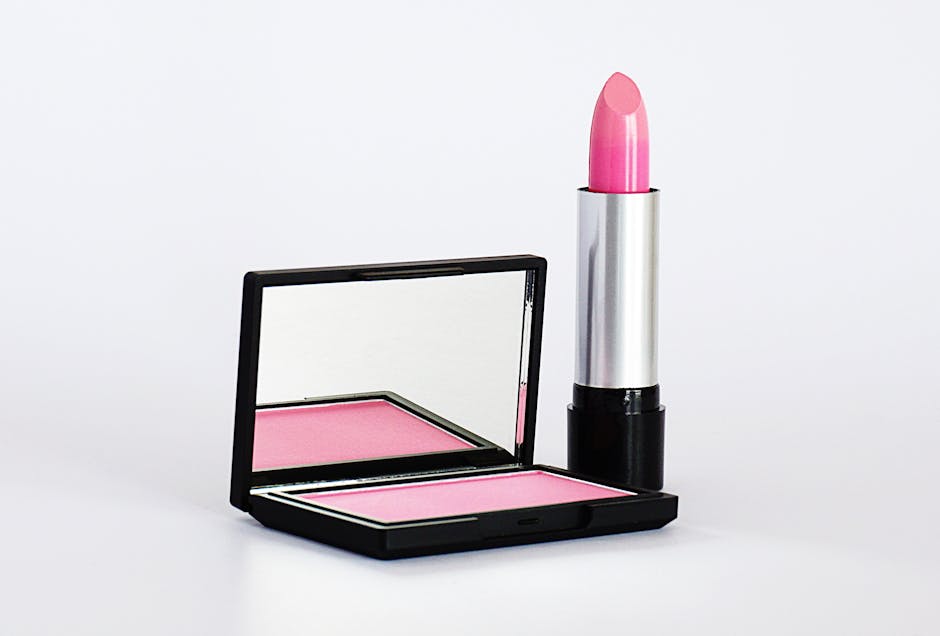
What to look for in a background removal tool for your business
Not all AI background removers are created equal. When evaluating options, consider these factors:
- Speed and accuracy. How fast does it process images? Does it handle tricky edges well? The best tools deliver a clean cut in under 10 seconds.
- Pricing model. Avoid monthly subscriptions if you only process occasional batches. Pay-as-you-go pricing — where you pay per image based on resolution — is ideal for businesses with fluctuating volume.
- No sign-up friction. The tool should work immediately, without forcing you to create an account or download software.
- Output quality. The resulting PNG should be true transparent, not a coloured background disguised as transparent.
One service that checks all these boxes is the AI Background Remover from AUMCREATE. It is an online, no-registration tool that lets you upload an image and get a transparent PNG back in seconds. Pricing scales with image size — smaller images cost less — which means you only pay for what you need, when you need it.
Real-world scenarios where this tool saves the day
Imagine you run an e-commerce store and need to refresh your product catalogue for a seasonal campaign. Instead of spending hours editing each photo, your team can batch-process images through the AI Background Remover and have consistent, clean cutouts ready for the website within minutes. Or consider a real estate agent who needs to place a property photo on a virtual staging background — the AI handles the subject extraction instantly. Even a content creator preparing social media graphics can use it to swap backgrounds on the fly, without touching Photoshop.
Why building your own solution rarely makes sense
Some technically inclined businesses consider developing an in-house background removal system using open-source models. While possible, this path is almost always a mistake. Training a custom model requires a large, labelled dataset of your specific product images. Integration, hosting, and ongoing maintenance demand engineering time that could be spent on your core product. And for most companies, the volume does not justify the investment. A ready-made online tool like the AI Background Remover delivers professional results for pennies per image — no infrastructure, no learning curve, no headaches.

Making the switch: a practical decision
If your team still spends more than 15 minutes per image on background removal, the math is clear. Switching to an AI-powered online tool saves hours every week, reduces errors, and frees up creative bandwidth. The upfront cost is negligible compared to the productivity gain.
Next time you need a product photo cleaned up, try the AI Background Remover — upload your image, pay as little as 5 credits, and download a ready-to-use transparent PNG. It might just be the fastest workflow improvement you make this quarter.